 ssok Launcher
 ssokIQ
 ssokCLI
 ssokMusic Free
 ssok Keyword Extractor
 ssokPlayer
 ssokKit
 SsokRecorder
Guides
How-tos for first-time users.
7 posts
 ssokEdit
2026-10-24
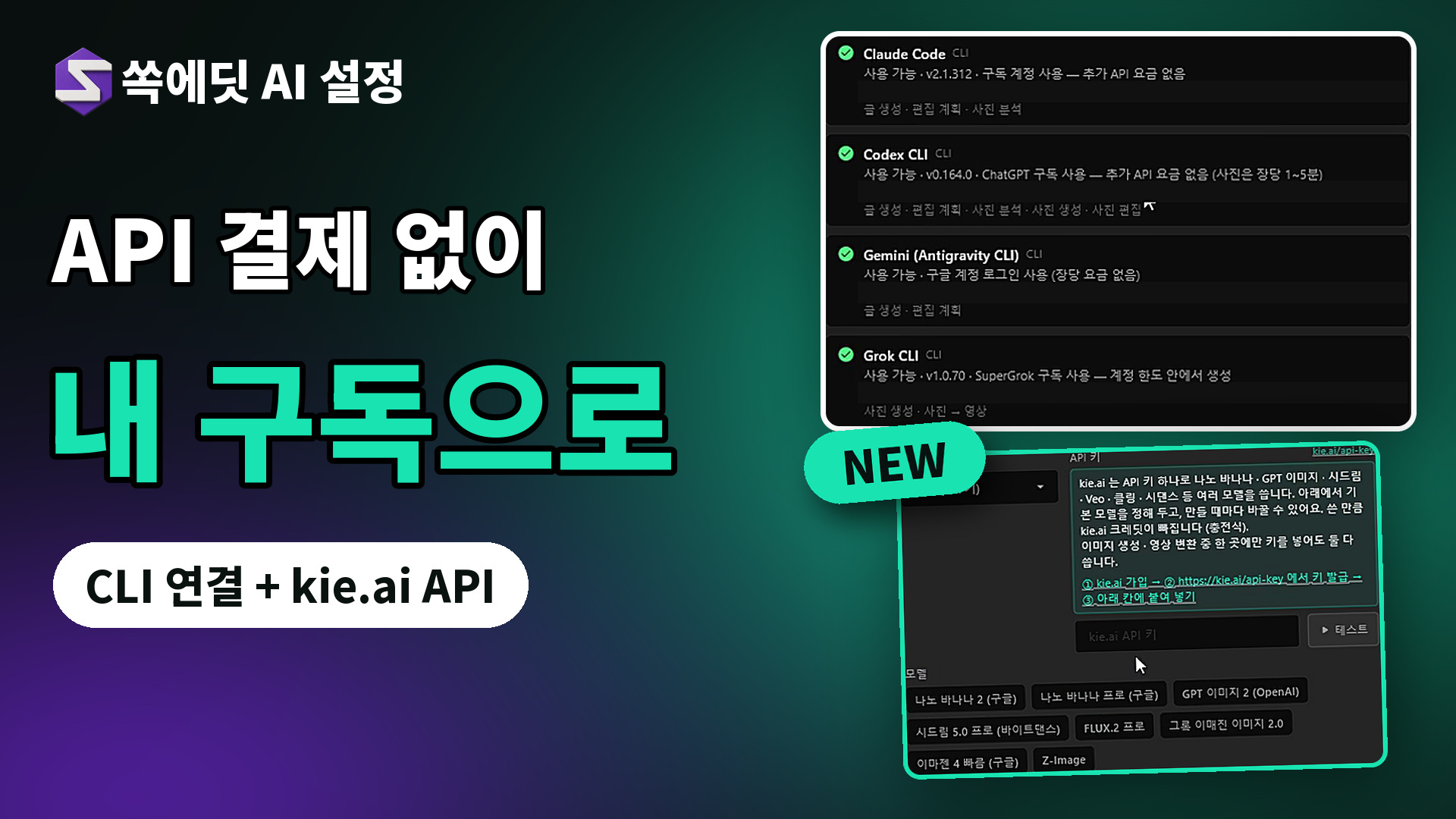
AI Editing with Your Own Subscription, No API Fees | ssokEdit AI Settings & Storage Preferences Guide
ssokEdit does not sell AI subscriptions.
Instead, it connects the AI services you already subscribe to through PC programs (CLI) to produce videos.
 ssokEdit
2026-11-12
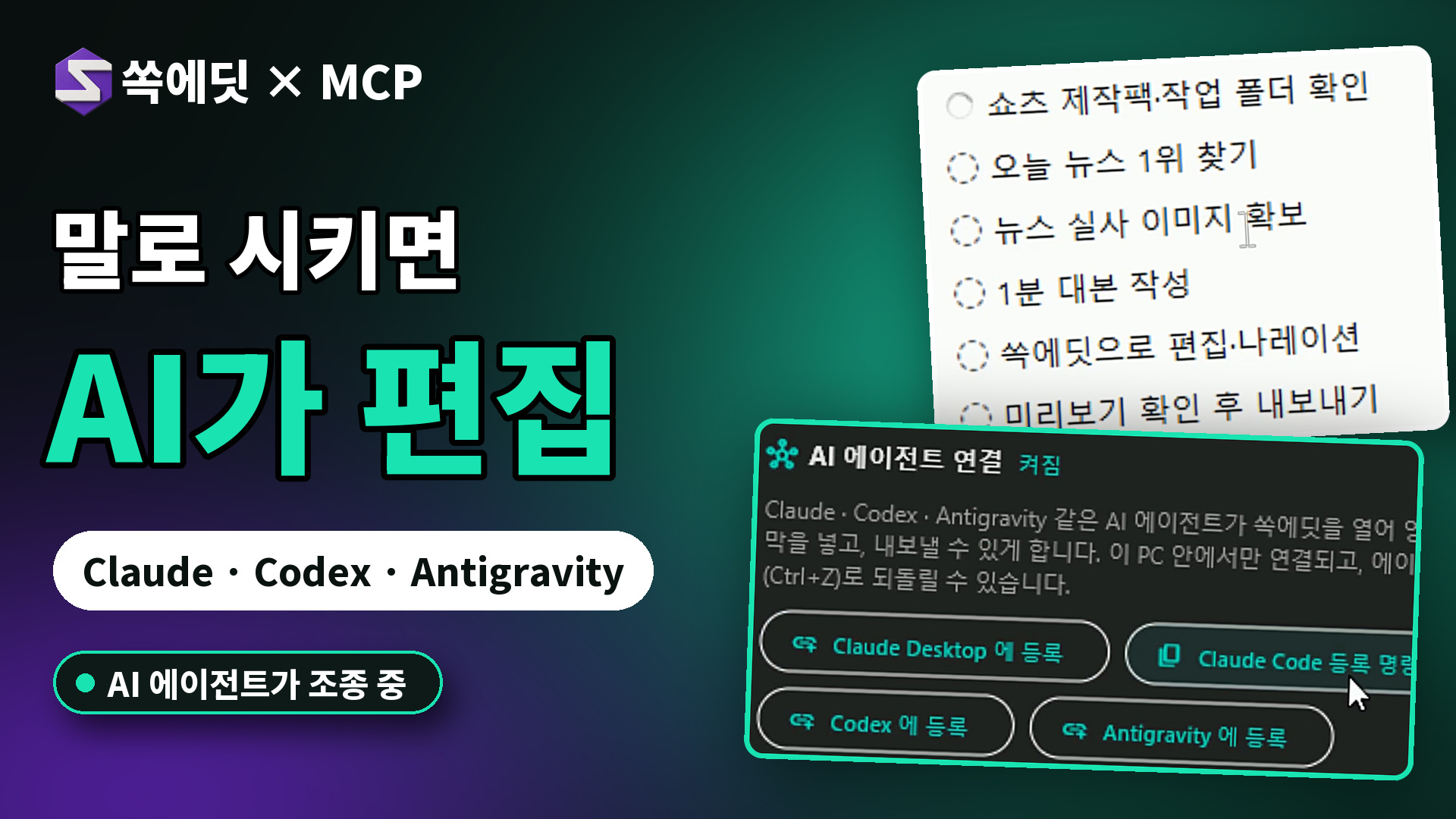
Just Say It and AI Edits | Control ssokEdit with Claude, Codex & Antigravity (MCP)
AI agents can now control ssokEdit directly.
Connect Claude, Codex, or Antigravity via MCP, and a simple chat instruction will open ssokEdit, import video, cut clips, add subtitles, and even export.
 ssokEdit
2026-11-11
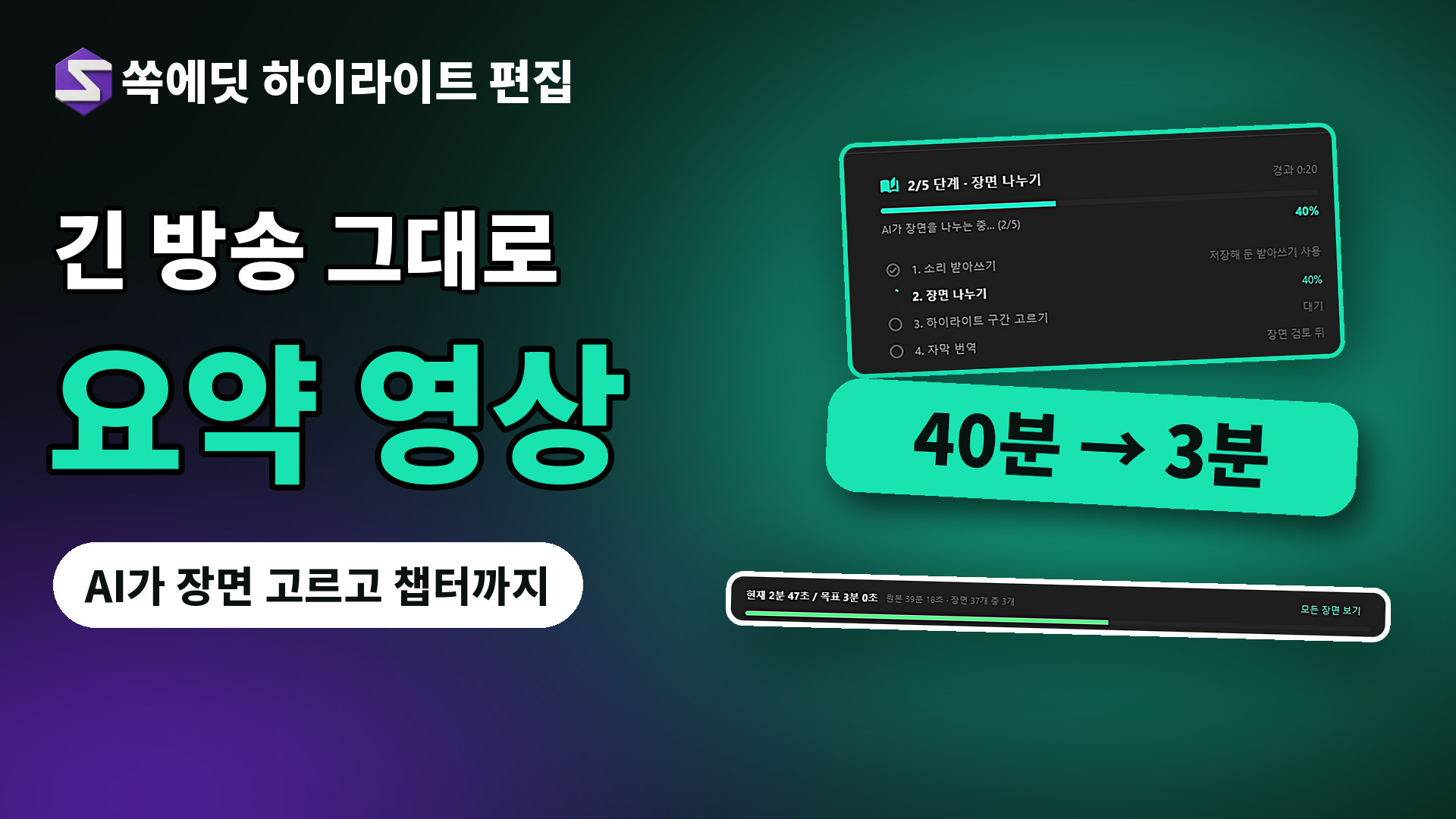
Turn 2–5 Hour Streams into Recap Videos | How to Use ssokEdit Highlight Editing
Drop in a long stream or binge-watch video, and AI transcribes the speech, splits it into scenes, picks out the most entertaining parts, and builds a chaptered recap video (16:9) project.
 ssokEdit
2026-11-09
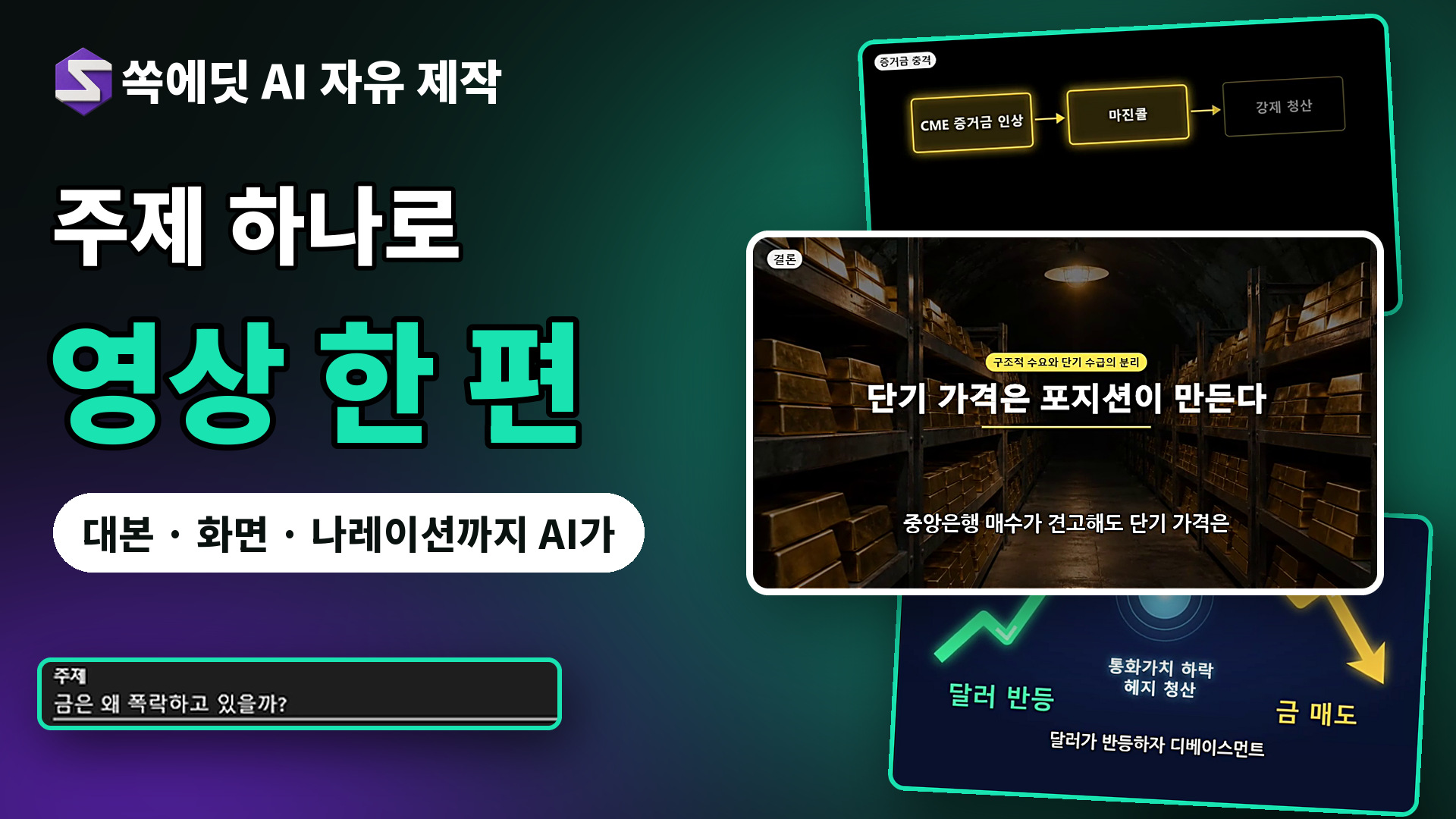
Turn One Topic into a Complete Video | How to Use ssokEdit AI Free Creation
No need to pick a production pack. Just enter a topic, and AI writes the script, chooses the right visual style for each scene, and builds a full video for you.
 ssokEdit
2026-11-09
Create Shorts Automatically from a Single URL | How to Use ssokEdit Short-Form Maker
Just paste a link, and AI reads the article, writes a script, and builds a vertical Short complete with footage, narration, and subtitles.
The video walks you through the entire process of making a Short from a single Naver Blog post URL.
 ssokEdit
2026-11-09
Just Enter a Topic, Get a Finished Video | How to Use ssokEdit's 75 Production Packs
Enter the topic you want, and AI automatically creates the script, narration, scenes, and subtitles.
There are currently 75 production packs, with more on the way.
 ssokEdit
2026-11-09
Turn One Long Video into 10 Vertical Shorts Automatically | How to Use ssokEdit "Long Video → Shorts"
Add a long video and AI picks the scenes that work on their own, turning them into vertical (9:16) Shorts projects.
Silence removal, subtitles, and titles are added automatically.