 ssokIQ
 ssokCLI
 ssok Keyword Extractor
 ssokKit
AI translation This post was translated from Korean by AI. View original

SsokRecorder
A free screen recorder and editor built for lectures and tutorials. Add Korean auto-captions, step markers, TTS narration and live annotations, then export straight to YouTube.
쏙 런처를 설치하면 「SsokRecorder」 을(를) 목록에서 바로 설치할 수 있습니다.
Get it from Microsoft Store
·
Download the installer
v0.1.0
Downloaded 98 times so far · Latest version 2026-10-18
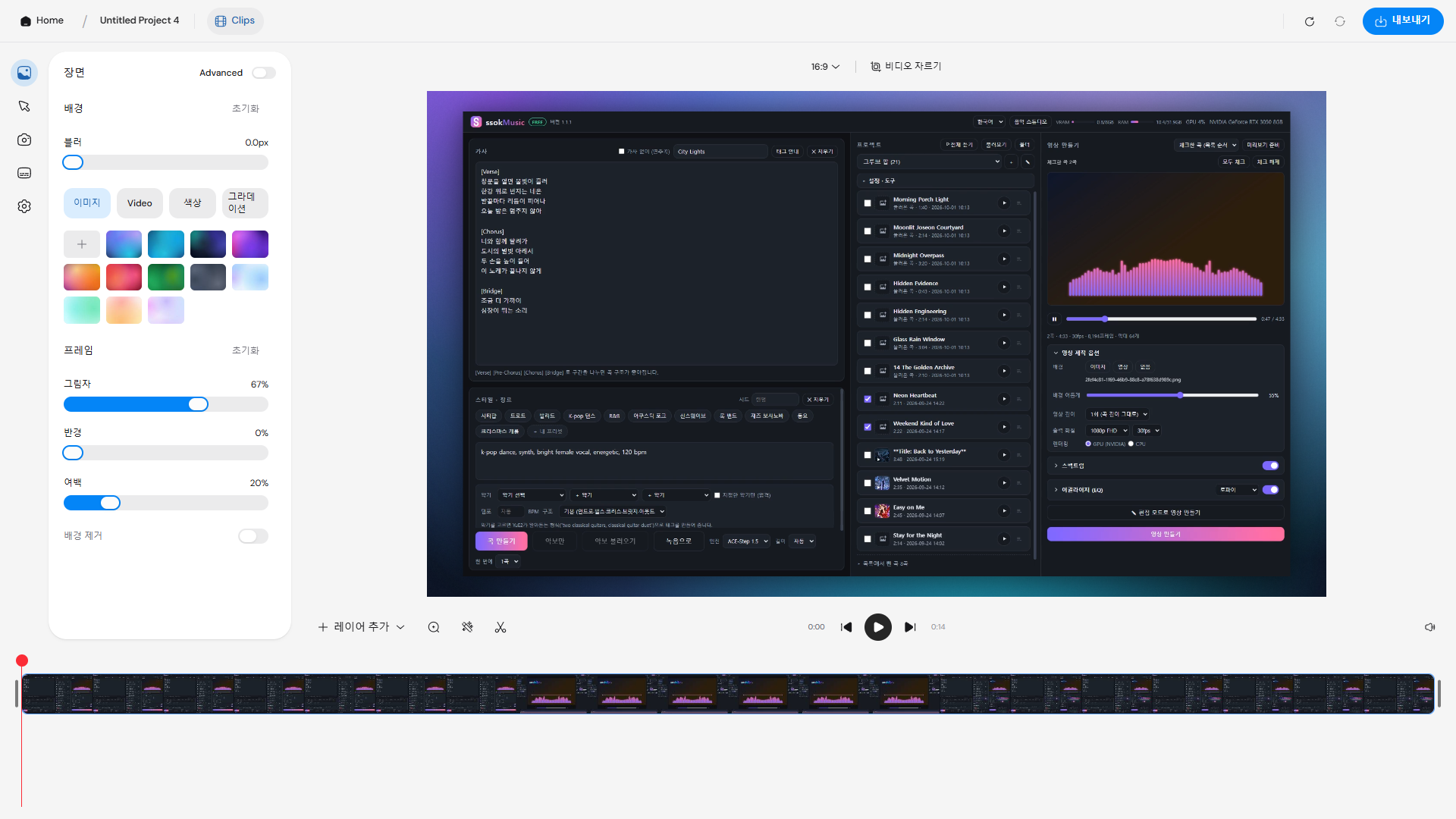
A free screen recording and editing program: record your screen, add Korean auto-captions · step markers · TTS narration · live annotations, and export a YouTube-ready video right away.
It's free on the Microsoft Store, and the Store updates it automatically when a new version comes out.
What you can do
- Record
- Record the full screen or a single window (Windows Graphics Capture)
- Record your microphone, system sound and a webcam overlay together
- A live annotation pen that draws on screen while recording, with Ctrl+Alt tool shortcuts
- Countdown, pause and resume recording
- Edit
- Auto zoom, cursor highlight, background · shadow · padding styling
- Trim and split clips, add layers
- Step (chapter) markers and a YouTube chapter list
- Captions and narration
- Korean auto-captions when recording ends — Whisper speech recognition running on your own PC
- Fish Audio TTS narration (requires your own Fish Audio API key)
- Export
- One-click YouTube export: saves the video, captions (SRT) and chapter file together
- MP4 · GIF, NVIDIA GPU-accelerated export
Install
- Click "Get it from Microsoft Store" above.
- Click Get (Install) in the Microsoft Store app and you're done. It installs without security warnings, and the Store keeps it up to date.
Open source · License
SsokRecorder is a modified version of webadderall's open-source program Recordly, distributed under the same GNU AGPL v3.0 license as the original.
The full source code is available on GitHub.
Minimum requirements
Release history
Stuck?
Tell us where you got stuck and what appeared on screen. It's the first thing we look at when fixing the next version.
More programs
 ssokEdit
Windows
From cut editing to captions, narration and Shorts — a Windows video editor you edit together with an AI assistant
 ssokPlayer
Windows
A lightweight, fast, free video and music player. Plays every codec directly on your graphics card, no conversion needed.
 ssok Launcher
Windows
A free launcher to install, update, and run ssok series programs all in one place
 ssokMusic Free
Windows
A free AI music program that makes songs on your own PC's graphics card. Write lyrics and a style, and it becomes a song.