 ssok Launcher
 ssokEdit
 ssokIQ
 ssokCLI
 ssokMusic Free
 ssok Keyword Extractor
 ssokPlayer
 ssokKit
 SsokRecorder
ssokEdit Production Packs
Background Loop Pack (Free)
A ssokEdit production pack that creates seamlessly looping animated background videos — just pick a shape and a color
Free
1-year license from the payment date · 1 PC(s) · Seller: Strokehub Co., Ltd.
Signed-in members can download this for free. Import the pack file (.ssokpack) in ssokEdit → Pack Manager → "Import pack file", or install it directly from Pack Manager → Market packs.
Just pick a shape and a color to create a moving background video that loops seamlessly from end to start.
No AI or narration is used. The video is rendered exactly from the values you choose, so the result is the same every time and uses no AI credits.
- Seamless loop — The last frame flows right into the first. Copy the clip on the timeline and place copies back to back to loop it as long as you need
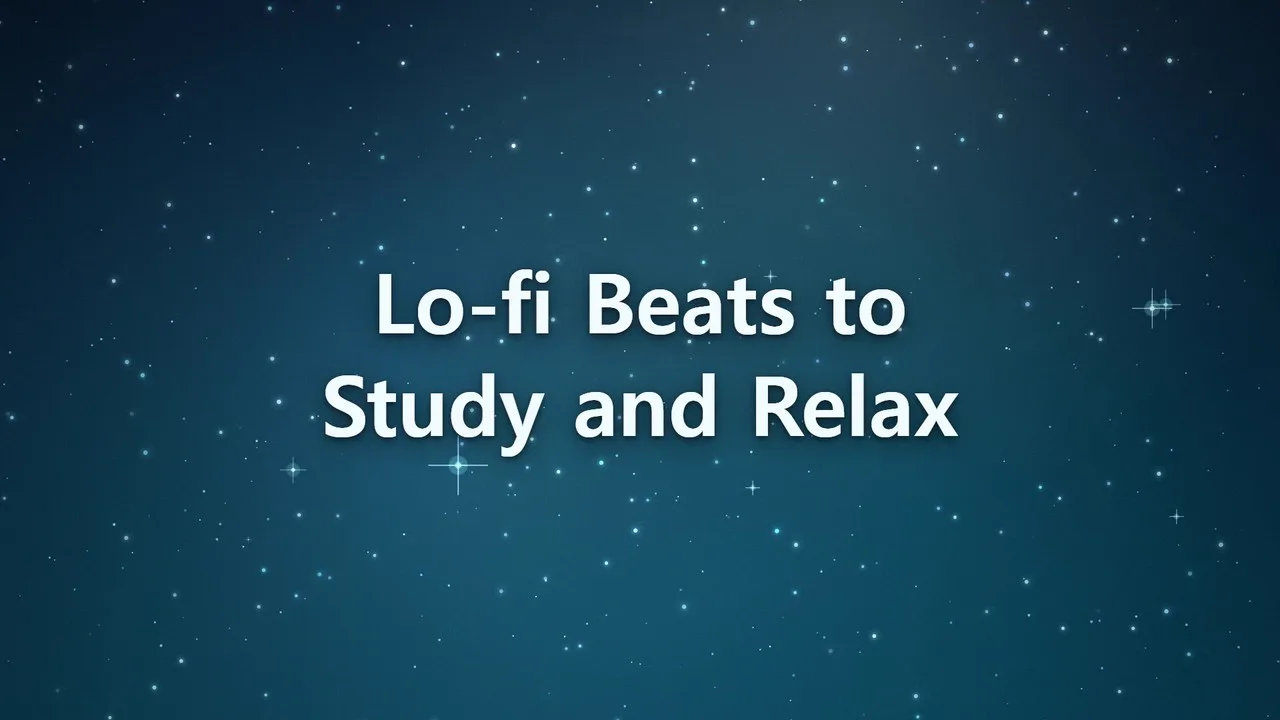
- Six shapes — Light Glow (large blobs of color drifting and blending) · Waves (layered flowing waves) · Starry Sky (slowly drifting stars that occasionally twinkle) · Particle Flow (particles flowing with trails) · Grid Tunnel (an approaching grid and a glowing horizon) · Bokeh (soft circles of light floating upward)
- Five colors — Dawn · Sunset · Ocean · Neon · Monochrome
- Three speeds — Slow · Normal · Fast
- Text overlay — Place a single large title line in the center or at the bottom. Long text is split into two lines
- Landscape and portrait
Use it for
- Music backgrounds — Backgrounds for lo-fi or playlist videos. Make one clip and loop it for the length of the music
- Title screen backgrounds — Add text and use it as an opening screen or chapter divider
- Stream waiting screens — Add text like "Starting soon" and loop it
- Backgrounds behind subtitles or images — Lay it underneath other tracks
What you choose when running it
- Project title — Not shown on screen
- Shape · Color · Speed
- On-screen text — Optional. Up to 40 characters. Leave it blank for background only
- Text position — Center / Bottom
- Length — Default 20 seconds, from 5 to 120 seconds. This is the length of one loop
Good to know
- Length is the length of one loop. If you need a long video, it's faster to make a short one and loop it.
- To loop, copy the 「배경 루프」 (Background Loop) clip on the timeline and paste it right after. Trimming the clip will break the seamless join.
- The text doesn't move. If you need animated text, leave the text blank and add subtitles separately on the timeline.
- Photos, logos and music are not included.
- If you choose English as the language in the run window, the video is made for English content — no preset Korean text appears on screen, and your text is used exactly as typed. English text can be up to 80 characters (40 if it contains Korean).
Requirements
- ssokEdit 1.3.2 or later (Windows)
- Microsoft Edge (included with Windows by default) — used to render the frames