 ssok Launcher
 ssokEdit
 ssokIQ
 ssokCLI
 ssokMusic Free
 ssok Keyword Extractor
 ssokPlayer
 ssokKit
 SsokRecorder
ssokEdit Production Packs
Logo Sting Pack (Free)
A ssokEdit production pack that turns your logo image into a 3–8 second intro video (no AI)
Free
1-year license from the payment date · 1 PC(s) · Seller: Strokehub Co., Ltd.
Signed-in members can download this for free. Import the pack file (.ssokpack) in ssokEdit → Pack Manager → "Import pack file", or install it directly from Pack Manager → Market packs.
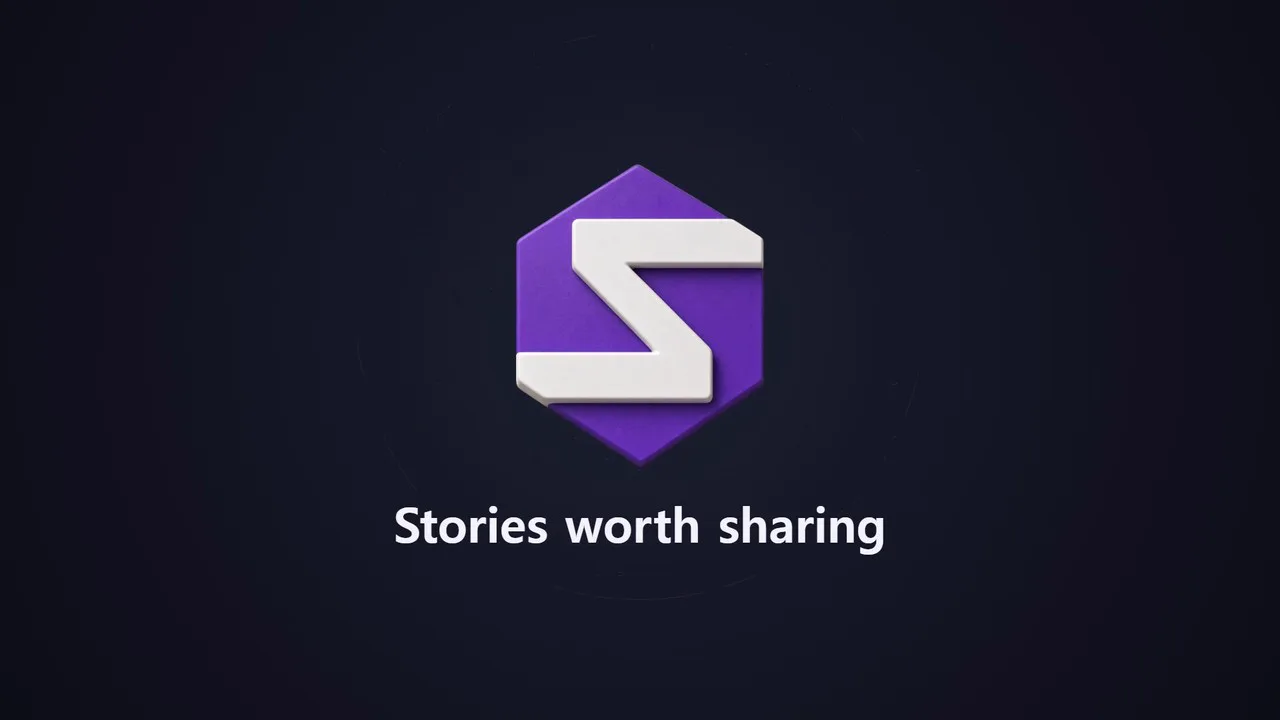
Turn a single logo image into a 3–8 second intro to place at the very start of your video.
No AI involved. It reads your logo's pixels and animates them directly, so there's little waiting, and the same settings always produce the same video.
- Particle gather — Thousands of scattered dots fly in, settle into the shape of your logo, then turn into the real logo
- Light sweep — After the logo appears, a slanted band of light glides across it
- Pop out — Starts small, overshoots slightly, then settles, with rings and sparks bursting outward
- Wipe — Revealed left to right like a wipe, led by a bright line
- One-line tagline — Rises from below once the logo stops. Leave it blank to show the logo only
- Three backgrounds — Dark · Light · From logo color (builds the background from the color used most in your logo)
- Holds on the final frame — Doesn't fade to black, so you can cut straight to the next scene in editing
- The result appears on the timeline as a single "Logo Sting" video clip. Landscape and portrait
Options when you run it
- Logo image — Required
- Motion — Particle gather / Light sweep / Pop out / Wipe
- One-line tagline — Optional
- Background — Dark / Light / From logo color
- Logo size — Small / Medium / Large
- Length — 3 / 4 / 5 / 6 / 8 seconds (default 4 seconds)
Supported images
- PNG with a transparent background works best.
- JPG works too. However, a white background (one where all four corners are the same color) is made transparent. The same color inside your logo may also become see-through, so use a transparent PNG in that case.
- Large images are scaled down to 1200 pixels on the long side. Very small images will look blurry.
- Dark logos look best on a light background, and white logos on a dark background.
Good to know
- Only use logos you have the right to use. Whoever creates a video with someone else's trademark or logo is responsible for it.
- The result is a short clip meant for the very start of a video. No sound is included — add sound effects or music on the timeline.
- There's no narration or subtitles.
- If you choose English as the language in the run window, the video is made for English content — no fixed Korean text appears on screen, and your tagline is used exactly as typed. English taglines can be up to 80 characters (40 if they include Korean).
Requirements
- ssokEdit 1.3.2 or later (Windows)
- Microsoft Edge (included with Windows) — used to capture the frames