 ssok Launcher
 ssokEdit
 ssokIQ
 ssokCLI
 ssokMusic Free
 ssok Keyword Extractor
 ssokPlayer
 ssokKit
 SsokRecorder
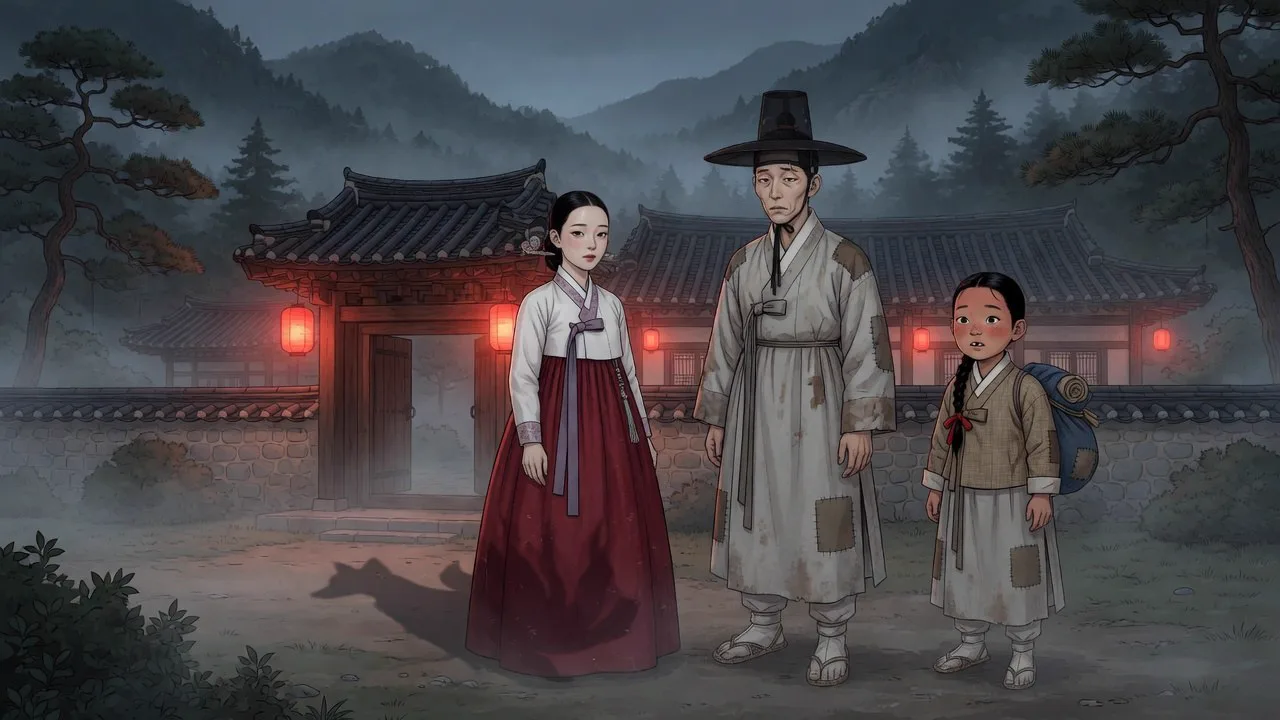
Yadam Pack (Free)
Turn a one-line story seed into a 1-minute to 3-hour video of Joseon-era yadam and folktales — a ssokEdit production pack with art style selection, consistent characters, adjustable image count, and storyteller narration
Free
1-year license from the payment date · 1 PC(s) · Seller: Strokehub Co., Ltd.
Signed-in members can download this for free. Import the pack file (.ssokpack) in ssokEdit → Pack Manager → "Import pack file", or install it directly from Pack Manager → Market packs.
A ssokEdit production pack that turns Joseon-era yadam (unofficial tales) and folktales into videos told by a storyteller. You can make anything from 1-minute Shorts to 3-hour long-form videos.
Just enter a one-line story seed, and it automatically creates the plot, characters, script, images, narration and subtitles, then places them on the timeline.
Four things that set this pack apart
- Wide range of lengths — Choose from 1 min · 3 min · 10 min · 30 min · 45 min · 1 hr · 1 hr 30 min · 2 hr · 2 hr 30 min · 3 hr. A 1-minute video tells a single anecdote briefly; longer videos outline the plot first and then write it in 5-minute chapters, so even a 3-hour video flows as one continuous story.
- Choose an art style — The default is Yadam comic style (webtoon-style line art, soft coloring, hanok houses, hanbok clothing). You can switch to animation, impressionist painting, photorealistic, claymation, miniature, comic, tarot card, 16-bit arcade, doodle, or fantasy newspaper. You can also pick your own styles created in "Art Style Manager."
- Character consistency — A reference sheet (face, hair, clothing) is drawn for each character first, and every scene is drawn using that character's reference sheet. Characters keep the same face from start to finish.
- Adjustable image count — Set the number of images yourself, or leave it blank for automatic. In automatic mode, long videos get 1 image every 30 seconds, and even short videos get at least 6 images.
What you choose when running it
- Topic — A one-line story seed (e.g., a poor scholar bewitched by a nine-tailed fox on his way to the state exam; a tavern keeper who outwits a greedy magistrate)
- Story genre — Strange tales · Ghost stories / Humor · Laughs / Kindness · Heartwarming / Good vs. evil · Revenge / Love · Fate / Wisdom · Wit
- Art style — Yadam comic style (default) · 10 built-in styles · Your own styles
- Era · Setting · Characters to include (optional)
- Length — 1 min to 3 hr · Image count (leave blank for automatic)
Defaults
| Item | Value |
|---|---|
| Screen | 16:9 landscape |
| Length | 1 hour (1 min to 3 hr) |
| Art style | Yadam comic style (changeable) |
| Image count | Automatic — 1 every 30 seconds, at least 6 for short videos |
| Tone | Colloquial voice of a traditional storyteller |
Background music is not included — please add copyright-free music yourself.
How long it takes
Generating the script, images and narration takes a few minutes for a 1-minute video and about 35 minutes to 1 hour 20 minutes for a 1-hour video (depending on the image engine and image count). You can keep editing other things while it works.
How to get it
- Log in to ssok.ai and click "Get Production Pack (Free)" above.
- In ssokEdit, go to Production Pack Manager → Market Packs and click Install, or add the downloaded
.ssokpackvia "Import Production Pack File." - On the start screen, choose "Create with Production Pack" and select "Yadam Pack."
Requirements
- ssokEdit 1.2.2 or later (Windows) — 1, 3 and 10-minute lengths and art style selection are available from 1.2.2
- A connected Brain AI — one of Claude, Codex or Gemini (install and log in via AI Settings)
- Image generation — one of Codex CLI (no per-image fee), Grok or Gemini (all three support character reference sheets)
- Voice — With a Fish Audio key, the pack's designated voice is used; otherwise, free Edge voices or Windows voices