 ssok Launcher
 ssokEdit
 ssokIQ
 ssokCLI
 ssokMusic Free
 ssok Keyword Extractor
 ssokPlayer
 ssokKit
 SsokRecorder
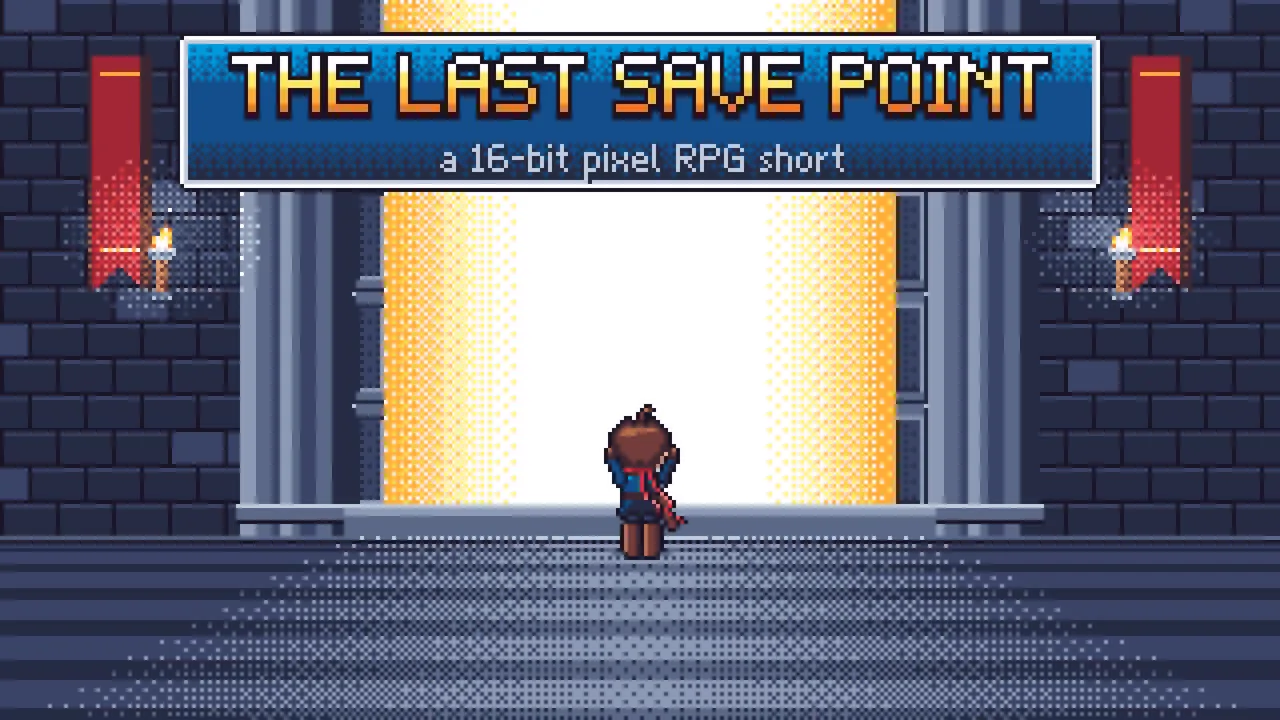
16-bit Pixel RPG Production Pack (Free)
A ssokEdit production pack for 90s RPG-style videos that tell stories through 320×180 pixels, a limited palette, menus, save files and level-ups (art style based on LemoLab Lemo-Opuscar)
Free
1-year license from the payment date · 1 PC(s) · Seller: Strokehub Co., Ltd.
Signed-in members can download this for free. Import the pack file (.ssokpack) in ssokEdit → Pack Manager → "Import pack file", or install it directly from Pack Manager → Market packs.
Videos that look and move like a 90s role-playing game. Tell your story with 320×180 pixels, a limited palette, typewriter-style text windows, menus, save files and level-up fanfares. Great for game introductions, story recaps and nostalgic content.
These videos look, sound and behave like a mid-90s home console RPG. The entire screen is 320×180 pixels, scaled up 6x. Colors come only from a fixed palette, and gradients are made only with checkerboard dithering. Characters 20–34 pixels tall animate with just a few frames, and the story is told the way a game would tell it: text windows that print one letter at a time, command menus, status screens, battle messages, save files, item-get fanfares and level-ups.
- No photos needed — AI draws every scene directly in code.
- The result lands on your timeline with scene video, narration and subtitles on separate tracks, so you can edit right away.
Good topics
Game introductions · Recaps (retrospectives) · A year or a person's growth · Challenges overcome · Memories · Study or workout logs · Team history
What you choose when running it
- Topic — one line
- Length — 90 seconds by default (30 seconds to several minutes)
- Narration voice and subtitle size can be changed in the production pack settings
How long it takes
AI draws each scene in code one at a time, so it takes about 6–10 minutes for a 30-second video and 20–30 minutes for 90 seconds. You can keep editing other things while it works.
How to get it
- Log in to ssok.ai and click "Get Production Pack (Free)" above.
- In ssokEdit, go to Production Pack Manager → Market Packs and click Install, or add the downloaded
.ssokpackvia "Import Production Pack File". - On the start screen, choose "Create with Production Pack", select this pack and enter your topic.
Requirements
- ssokEdit 0.7.1 or later (Windows)
- Claude connection (install and log in under AI Settings) — the original art style was built for Claude, so Claude does the drawing
- Microsoft Edge (included with Windows) — used to capture scenes
Credits
This art style is adapted for the ssokEdit engine from LemoLab's open-source Lemo-Opuscar "16-bit Pixel RPG" (github.com/lemomo-ai/lemo-opuscar, code MIT · art style CC BY 4.0). The cover image is a scene from LemoLab's original demo video (CC BY 4.0, resized only). Videos you make with this pack belong to you, and no attribution is required.