 ssok Launcher
 ssokEdit
 ssokIQ
 ssokCLI
 ssokMusic Free
 ssok Keyword Extractor
 ssokPlayer
 ssokKit
 SsokRecorder
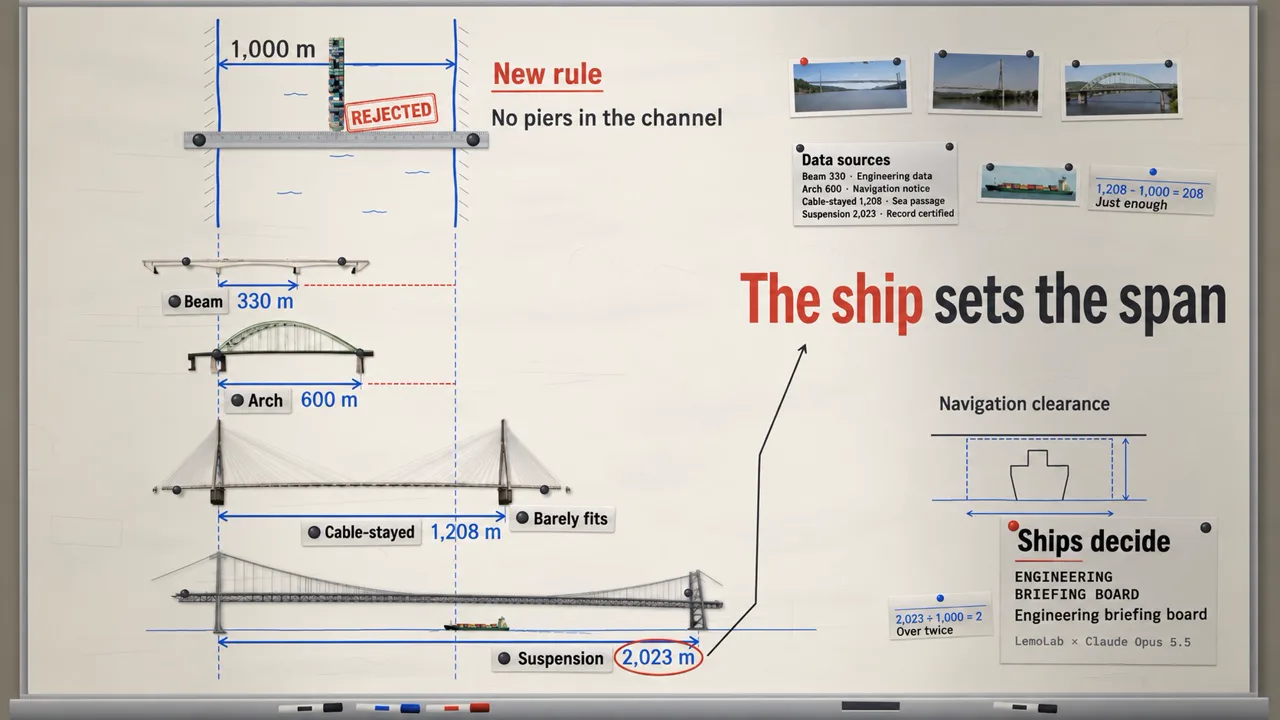
Engineering Briefing Board Production Pack (Free)
A ssokEdit production pack for engineering briefing videos that test options on a whiteboard wall with drawings, dimension lines, magnetic name tags and stamps to reach a conclusion (art style originally by LemoLab Lemo-Opuscar)
Free
1-year license from the payment date · 1 PC(s) · Seller: Strokehub Co., Ltd.
Signed-in members can download this for free. Import the pack file (.ssokpack) in ssokEdit → Pack Manager → "Import pack file", or install it directly from Pack Manager → Market packs.
An engineering briefing video in which drawing printouts are pinned to a real whiteboard wall, and options are tested one by one with marker dimension lines, magnetic name tags and stamps until a conclusion is reached. Great for engineering, option comparisons and business briefings.
The video looks as if it were filmed on a single real whiteboard wall lit by window light. On an enamel board with faint traces of erased marker, an elevation printout of the subject settles in with weight, joined by magnetic name tags, a steel ruler, printed cards and stamps. Markers come in just three colors, each with a fixed meaning: graphite for names and rules, blue for water and measurements (dimension lines and measured figures), and red for a single decision. The camera follows the lines from fact to fact, pulling back to show the whole wall only at the very end.
- No photos needed — AI draws every scene directly in code.
- The result lands on the timeline with scene video, narration and subtitles as separate tracks, so you can edit right away.
Good topics
Comparing engineering options (bridges, tunnels, power plants, transportation) · Reasons behind design decisions · Testing multiple proposals against one standard · Comparing against limits like budget, schedule and capacity
What you choose when running
- Topic — one line
- Length — 90 seconds by default (30 seconds to several minutes)
- Narration voice and subtitle size can be changed in the production pack settings
How long it takes
AI draws each scene in code one at a time, so a 30-second video takes 6–10 minutes, and a 90-second one about 20–30 minutes. You can keep editing other things while it works.
How to get it
- Log in to ssok.ai and click "Get Production Pack (Free)" above.
- In ssokEdit, go to Production Pack Manager → Market Packs and install it directly, or add the downloaded
.ssokpackvia "Import Production Pack File". - On the start screen, choose "Create with Production Pack", pick this pack and enter your topic.
Requirements
- ssokEdit 0.7.1 or later (Windows)
- Claude connection (install and log in under AI settings) — the original style was built for Claude, so scenes are drawn with Claude
- Microsoft Edge (included with Windows) — used to capture scenes
Credits
This art style is an adaptation of LemoLab's open-source Lemo-Opuscar "Engineering Briefing Board" (github.com/lemomo-ai/lemo-opuscar, code MIT · art style CC BY 4.0), modified for the ssokEdit engine. The cover image is a scene from LemoLab's original demo video (CC BY 4.0, resized only). Videos you make with this pack are yours, and no attribution is required.