 ssok Launcher
 ssokEdit
 ssokIQ
 ssokCLI
 ssokMusic Free
 ssok Keyword Extractor
 ssokPlayer
 ssokKit
 SsokRecorder
ssokEdit Production Packs
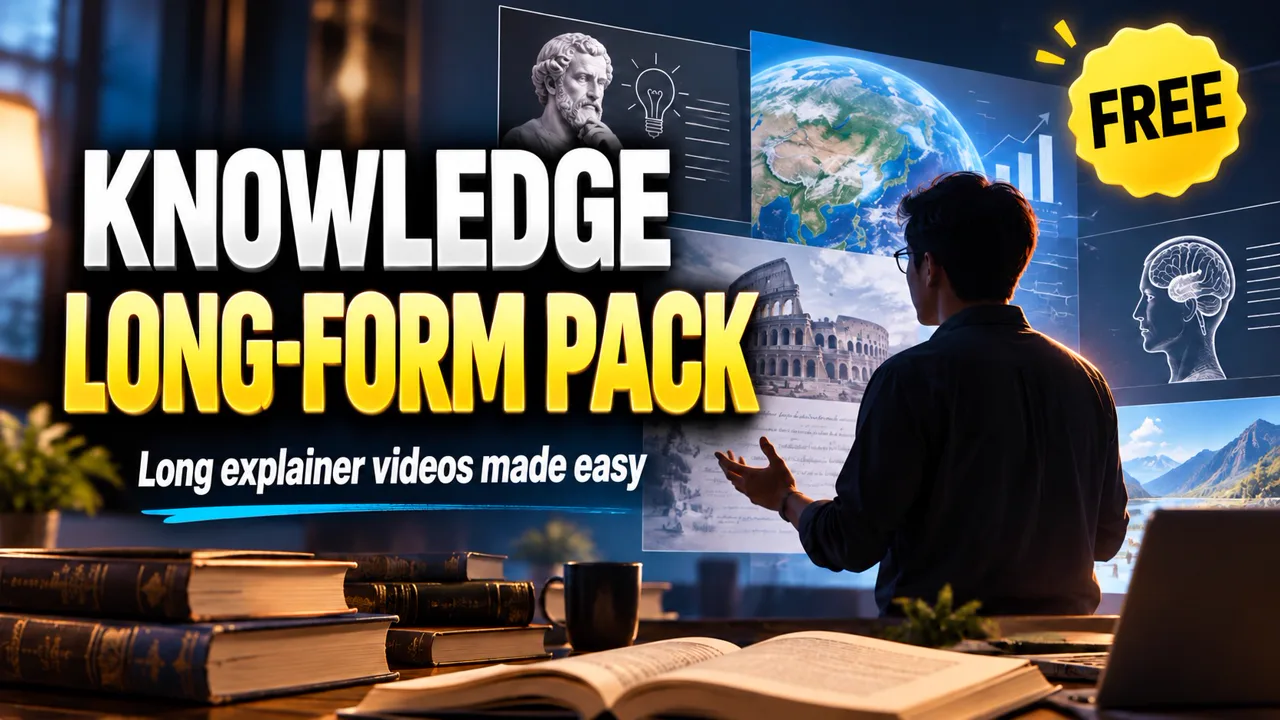
Knowledge Channel Long-Form Production Pack (Free)
A ssokEdit production pack that turns any topic into a knowledge and culture long-form video with AI documentary photos, voice-actor narration and number graphs
Free
1-year license from the payment date · 1 PC(s) · Seller: Strokehub Co., Ltd.
Signed-in members can download this for free. Import the pack file (.ssokpack) in ssokEdit → Pack Manager → "Import pack file", or install it directly from Pack Manager → Market packs.
Give it just one topic and it creates a knowledge and culture long-form video that hooks viewers with a question like "What's going on with ○○ lately?" and then unpacks the reasons one by one.
How It's Made
- Script structure — Hook → everyday evidence → supporting numbers → counter-question → logo screen → reasons 1·2·3 → "Worth noting" → summary → sign-off
- Visuals — One AI documentary photo per cut (4 seconds on average) + big numbers · comparison graphs · quote cards · one-line questions · stamp text
- Sound — Calm, mid-to-low male voice actor (1.1x speed) + bold white subtitles
- The result lands on the timeline with each cut, narration, subtitle and graphic as separate items, so you can edit right away.
Background music is not included — please add your own copyright-free music.
Options When Running
- Key question — The hook and counter-question are built around this question (e.g. Why is everyone traveling to Japan these days?)
- Numbers · facts to include — Write down verified numbers or article quotes and they'll be used as evidence
- Tone — Calm / Normal / Cheerful
- Under Production Pack Management → Edit, you can adjust the script and photo prompts to fit your channel
Defaults
| Item | Value |
|---|---|
| Screen | 16:9 landscape |
| Length | About 8 minutes (can be changed when running) |
| Cuts | 4 seconds on average |
| Photos | Realistic documentary photo style (no text · logos · real people) |
How to Get It
- Log in to ssok.ai and click 「제작팩 받기 (무료)」 (Get Production Pack (Free)) above.
- In ssokEdit, go to 「제작팩 관리」 (Production Pack Management) at the top right → 「제작팩 파일 가져오기」 (Import Production Pack File) and add the downloaded
.ssokpackfile.
- Or, after logging in to ssokEdit, go to Production Pack Management → Market Production Packs and click Install directly.
- Select this production pack in the AI assistant or the production pack run window, enter a topic (or a reference video link), and it will create the video for you.
Requirements
- ssokEdit 0.1.3 or later (Windows) — older versions will show an update notice when you launch ssokEdit
- Connect a brain AI in AI Settings — Codex CLI (ChatGPT subscription) or Claude CLI (Claude subscription)
- Voice actor voice — With a Fish Audio key, the voice set in the pack is used; without one, Windows voice is used
- Image generation — Codex CLI (no per-image fee) or Grok, etc.