 ssok Launcher
 ssokEdit
 ssokIQ
 ssokCLI
 ssokMusic Free
 ssok Keyword Extractor
 ssokPlayer
 ssokKit
 SsokRecorder
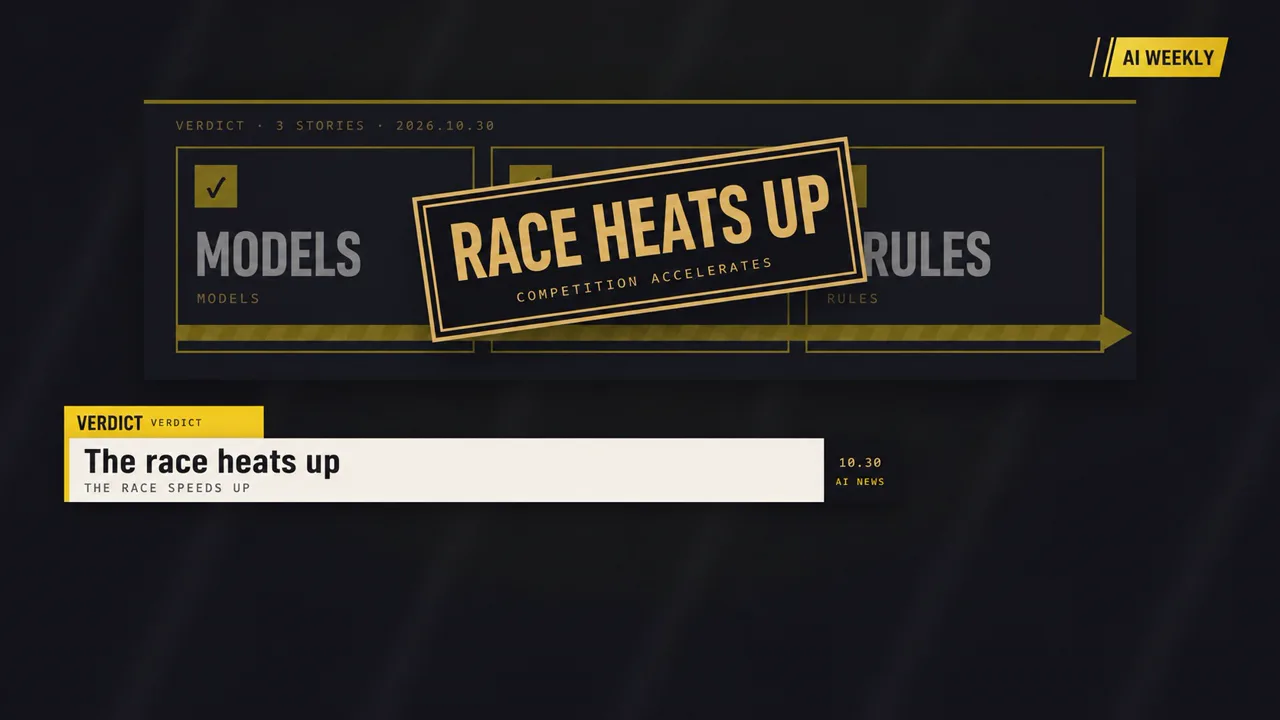
Broadcast News Package Production Pack (Free)
A ssokEdit production pack for broadcast-style news graphics videos with a rundown, headline ticker, scoreboard numbers, quote cards and verdict stamps (art style based on LemoLab Lemo-Opuscar)
Free
1-year license from the payment date · 1 PC(s) · Seller: Strokehub Co., Ltd.
Signed-in members can download this for free. Import the pack file (.ssokpack) in ssokEdit → Pack Manager → "Import pack file", or install it directly from Pack Manager → Market packs.
A video production pack that recreates a TV station news graphics package in code. The opening logo slate becomes the channel logo in the top-right corner, each video opens and closes with today's news list (the rundown), a headline ticker and category tab stay on screen throughout, and full-screen graphics (scoreboard numbers, charts that break through a baseline, explainer maps, quote cards, spec cards, verdict stamps) deliver the facts one at a time.
How It Works
- Script — Rundown → for each story: what, how much, who, verdict → rundown check-off + sign-off. Short, crisp anchor delivery
- Visuals — A consistent package of ink-black backgrounds, lemon highlights, gold and paper tones, with one fact per screen
- Facts first — Only sourced facts; anything that is only reported is phrased as "it has been reported that..."
- No company logos or real people's faces; names are shown as text
- The result lands on the timeline with scene video, narration and subtitles on separate tracks, so you can edit right away
Good Topics
Weekly news roundups · Industry news · Market trends · Policy changes · New product launches · Channel updates
Options When Running
- Topic — One line
- Length — 90 seconds by default (30 seconds to several minutes)
- Narration voice and subtitle size can be changed in the pack settings
How Long It Takes
AI draws each scene in code one by one, so it takes about 6–10 minutes for a 30-second video and 20–30 minutes for 90 seconds. You can keep editing other things while it works.
How to Get It
- Log in to ssok.ai and click 「Get Production Pack (Free)」 above.
- In ssokEdit, go to Production Pack Manager → Market Packs and install it directly, or add the downloaded
.ssokpackvia 「Import Production Pack File」. - On the start screen, choose 「Create with Production Pack」, select this pack and enter your topic.
Requirements
- ssokEdit 0.7.1 or later (Windows)
- Claude connection (install and log in under AI Settings) — the original art style was built for Claude, so Claude does the drawing
- Microsoft Edge (included with Windows) — used to capture the scenes
Credits
This art style is adapted for the ssokEdit engine from LemoLab's open-source Lemo-Opuscar (github.com/lemomo-ai/lemo-opuscar, code MIT · art style CC BY 4.0). Videos made with this pack belong to their creators, and no attribution is required.