 ssok Launcher
 ssokEdit
 ssokIQ
 ssokCLI
 ssokMusic Free
 ssok Keyword Extractor
 ssokPlayer
 ssokKit
 SsokRecorder
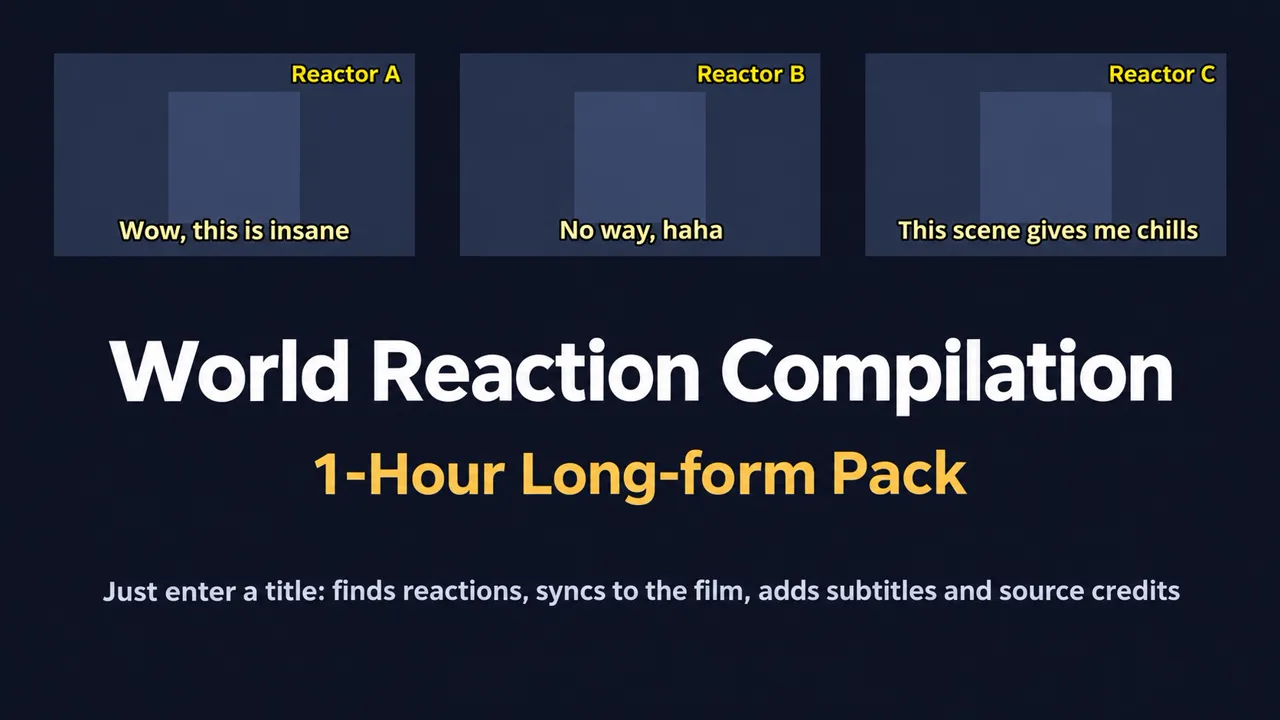
Overseas Reaction Compilation 1-Hour Long-Form Production Pack (Free)
A ssokEdit production pack: enter a title and it finds full reaction videos from overseas YouTubers, stitches only the reaction moments together in movie order, and automatically adds channel names, Korean subtitles, and source credits for the description.
Free
1-year license from the payment date · 1 PC(s) · Seller: Strokehub Co., Ltd.
Signed-in members can download this for free. Import the pack file (.ssokpack) in ssokEdit → Pack Manager → "Import pack file", or install it directly from Pack Manager → Market packs.
Just enter a title, and this ssokEdit production pack finds and downloads full reaction videos from overseas YouTubers who watched it, then stitches together only the reaction moments, in the order of the movie,
creating a roughly 1-hour "Overseas Reaction Compilation" long-form video. No narration or dubbing — just reactions.
How it works
- Finding reactions — Searches YouTube for terms like "English title reaction" and picks full reactions (25 min+) by view count, one per channel (Korean re-edited videos are excluded)
- Download & transcribe — Downloads at 720p and uses English auto-captions if available, otherwise transcribes the audio
- Movie-order sync — AI sets scene reference points for the title, finds the moment each video reacts to those scenes, and aligns them to the movie timeline
- Editing — Picks reaction moments based on how much is said and exclamations, splits time among channels up to the target length (so no single channel runs too long). Opens with a strong reaction hook from near the climax
- Screen — Reactor footage as-is, with a yellow "[Channel name]님" tag in the top right and light-yellow Korean subtitles at the bottom (only when the reactor speaks)
- Description — Automatically writes "🔥해외 리액셔너 채널 입니다 🔥" + channel names + links to the start points used
- The result appears on the timeline with reaction video, subtitles, and channel names as separate tracks, so you can edit right away.
Options when running
- Topic — Title of the work (e.g., The Man from Nowhere, Train to Busan, Squid Game)
- English title (optional) — e.g., The Man from Nowhere. Leave blank and AI will find it
- Number of reactors — 6, 8, or 10 channels (default 8)
- Hand-picked reaction videos (optional) — One YouTube URL per line. If there aren't enough, the rest are found automatically
- Description hashtags (optional) — e.g., 원빈 김새론 액션영화
- Length — 30 min, 45 min, or 1 hour (default 1 hour)
Time required
It downloads 6–10 full reaction videos (several hundred MB each), and AI syncs and translates them, so a 1-hour video usually takes 1–2 hours.
You can keep doing other edits in ssokEdit while it works.
⚠ Important
- Reactor videos are other people's copyrighted work and also contain movie footage. Crediting sources (channel names and description links) is mandatory, and
the risk of reused-content and copyright claims is higher than with narration-style videos. Please check carefully before uploading.
How to get it
- Log in to ssok.ai and click "Get Production Pack (Free)" above.
- In ssokEdit, go to "Manage Production Packs" in the top right → "Import Production Pack File" and add the downloaded
.ssokpackfile.
- Or, after logging in to ssokEdit, go to Manage Production Packs → Market Production Packs and click Install directly.
- On the home screen, go to Additional Tools → Create with Production Pack and select "Overseas Reaction Compilation 1-Hour Long-Form".
Requirements
- ssokEdit 0.6.5 or later (Windows)
- Claude connection (install and log in under AI Settings) — used for scene sync and translation
- ssokEdit automatically downloads the YouTube download tool on first use