 ssok Launcher
 ssokEdit
 ssokIQ
 ssokCLI
 ssokMusic Free
 ssok Keyword Extractor
 ssokPlayer
 ssokKit
 SsokRecorder
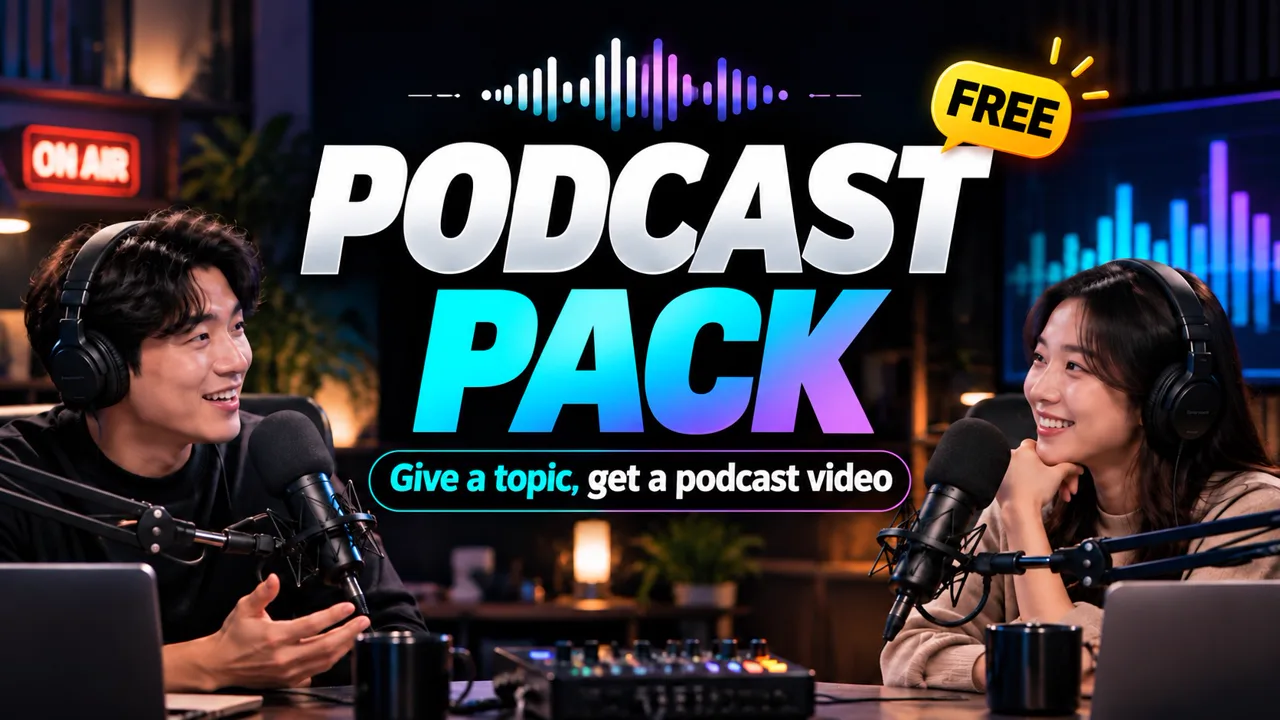
Podcast Pack Production Pack (Free)
A ssokEdit production pack that turns a one-line topic into a podcast video with male and female hosts trading lines — an audio spectrum centered on a black screen, with a distinct voice and subtitle color for each host
Free
1-year license from the payment date · 1 PC(s) · Seller: Strokehub Co., Ltd.
Signed-in members can download this for free. Import the pack file (.ssokpack) in ssokEdit → Pack Manager → "Import pack file", or install it directly from Pack Manager → Market packs.
Enter just a one-line topic, and this ssokEdit production pack creates a podcast video where two hosts — one male, one female — talk back and forth.
On screen, an audio spectrum in the center of a black background moves with their voices, and subtitles in a different color for each host appear below.
How it's made
- Script — Follows a real podcast flow: the two hosts greet each other by name, ask questions, react, occasionally disagree, then wrap up and sign off
- Voices — Host A (male) and Host B (female) take turns with different voice-actor voices
- Visuals — Black background + centered audio spectrum (moves with the voices) + segment title in the top left
- Subtitles — White for the male host, yellow for the female host
- The result lands on the timeline with narration, subtitles and spectrum as separate items, so you can edit right away.
No background music is included — please add your own copyright-free music.
Options you choose at runtime
- Topic — e.g. Why people in their 20s and 30s are into frugal living, How to sleep well, The best movie I saw this year
- Host names — Male and female (default: Minjun and Seoyeon)
- Conversation mood — Casual chat / Knowledge & culture explainer / Current affairs & news talk / Advice & counseling / Book & movie review / Economy & personal finance
- Center spectrum — Mirror, Circular, Waveform, Basic bars, Dense bars, Minimal pulse
- Length — 1–20 minutes (default 10 minutes)
Defaults
| Item | Value |
|---|---|
| Screen | 16:9 landscape, black background |
| Length | 10 minutes |
| Voices | With a Fish Audio key: male 「중후한 전문가 남자」 · female 「女生001」; without one: free Edge voices, male 「인준」 (InJoon) · female 「선희」 (SunHi) |
| Spectrum | Mirror (center of screen) |
How to get it
- Log in to ssok.ai and click 「Get Production Pack (Free)」 above.
- In ssokEdit, go to 「Manage Production Packs」 at the top right → 「Import Production Pack File」 and add the downloaded
.ssokpackfile.
- Or log in to ssokEdit and click Install directly under Manage Production Packs → Market Production Packs.
- On the home screen, go to Additional Tools → Create with Production Pack and select 「Podcast Pack」.
Requirements
- ssokEdit 0.3.2 or later (Windows)
- A connected brain AI — one of Claude, Codex or Gemini (install and log in under AI Settings)
- Voice-actor voices — with a Fish Audio key, the two voices set in the pack; without one, free Edge voices (no image generation needed)